Building Information Modeling (BIM) is transforming how projects are designed, coordinated, and delivered. More than drawings or 3D models, it provides an intelligent, integrated way to manage every stage—elevating accuracy, confidence, and control.
By bringing design, engineering, and construction data into one digital model, BIM enables real-time collaboration, early clash detection, and reduced rework. The outcome: smoother coordination, lower risks, and reliable on-time, on-budget delivery.
Why BIM matters:
Speed : Clearer project visualization
Accuracy : Precise quantities and details
Cost : Better cost and schedule control
Collaboration : Smarter facility management after handover
In essence, BIM helps teams deliver faster, safer, and more efficiently—reducing waste, improving quality, and creating long-term value beyond construction.

BIM is a smarter, collaborative way of working where architects, engineers, contractors, and owners share a single digital model. It minimizes errors, enhances coordination, and builds confidence throughout design and construction. Beyond design, BIM also enables cost estimation, scheduling, facility management, and future renovations—making it a complete project lifecycle solution.
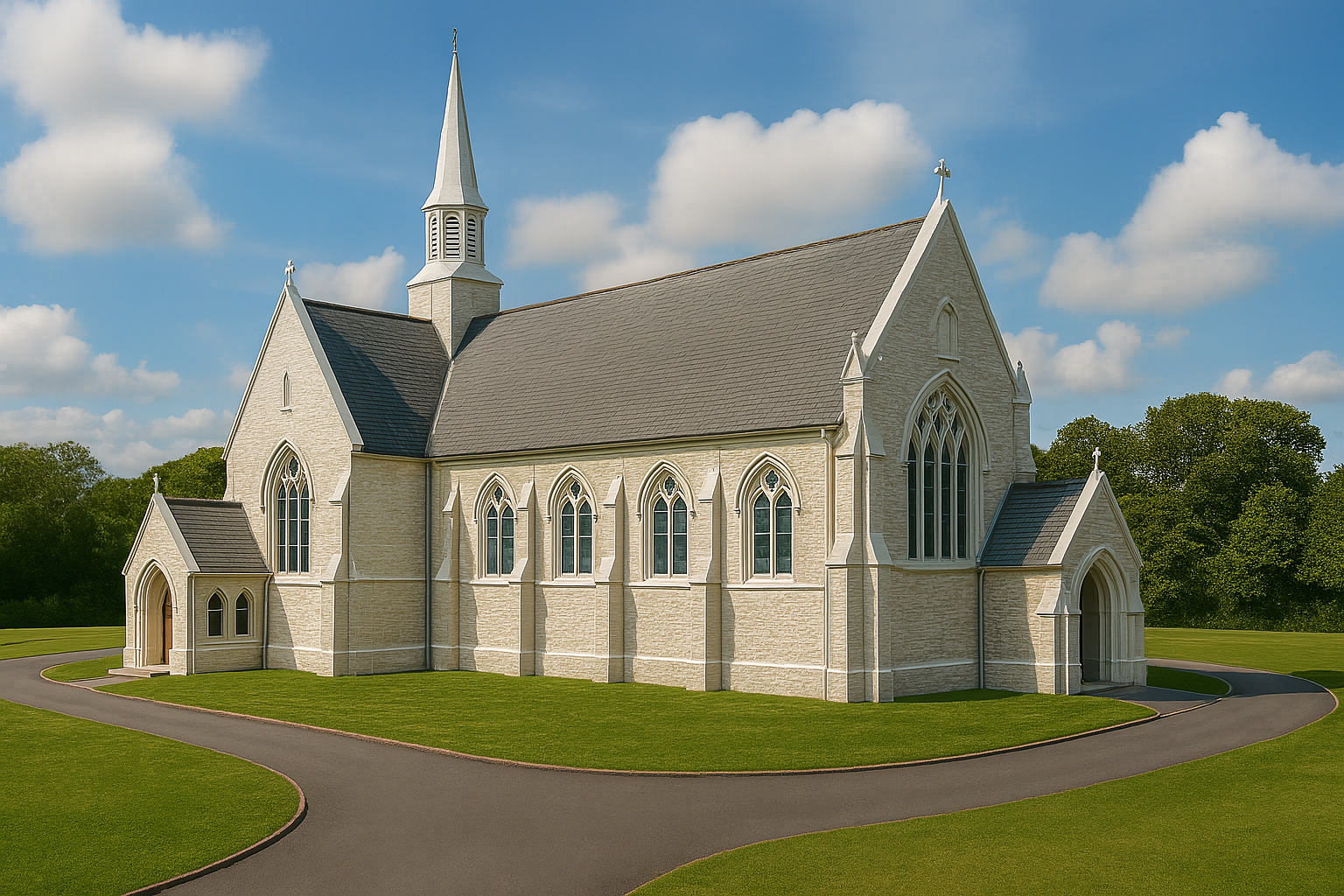
Architecture BIM – Develops intelligent 3D design models with accurate drawings and visuals. It supports design validation, space planning, code compliance, and seamless coordination with other disciplines.
Structure BIM – Models the entire structural system including foundations, beams, slabs, and reinforcements. It ensures strength, safety, clash detection, and accurate quantity take-offs for efficient planning and execution.
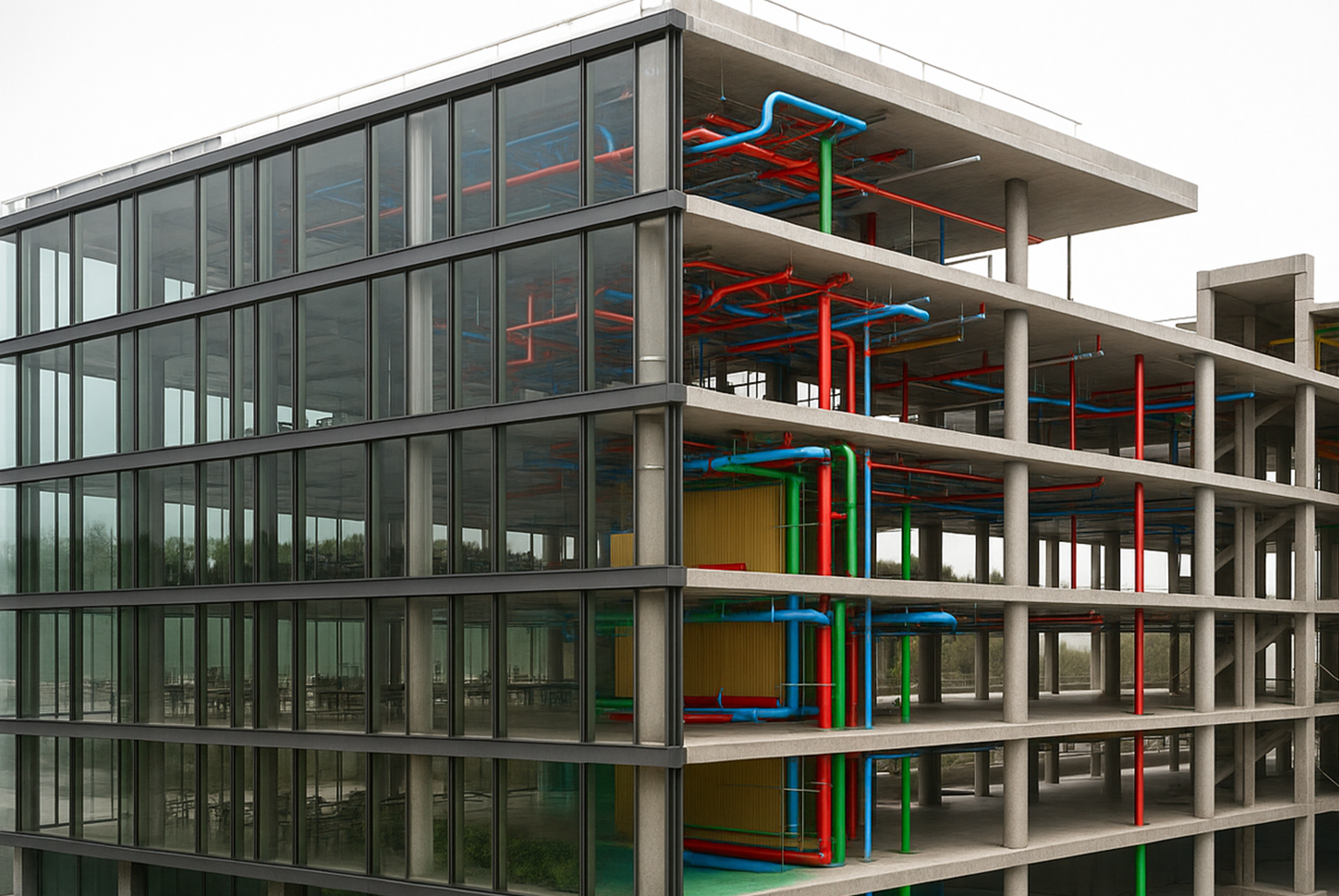
MEP BIM – Integrates HVAC, electrical, and plumbing systems with precise, clash-free layouts. It boosts energy efficiency, minimizes installation errors, and ensures smooth coordination with architectural and structural models.
Nearly 40% of project rework comes from design clashes—miscommunication, coordination gaps, and late-stage conflicts that trigger delays and cost overruns.
BIM fixes this.
With early clash detection, integrated data, and unified workflows, teams work in sync. Issues are
resolved digitally long before construction—saving time, reducing surprises, and boosting
efficiency.
BIM eliminates major inefficiencies:
25% faster delivery through better coordination
20% cost savings with accurate planning
30–40% less rework via early clash detection
5–20% material savings from precise quantities
BIM is not just a design tool—it’s a project ecosystem that improves quality, cuts risk, and ensures predictable, high-value outcomes for owners, developers, and contractors.
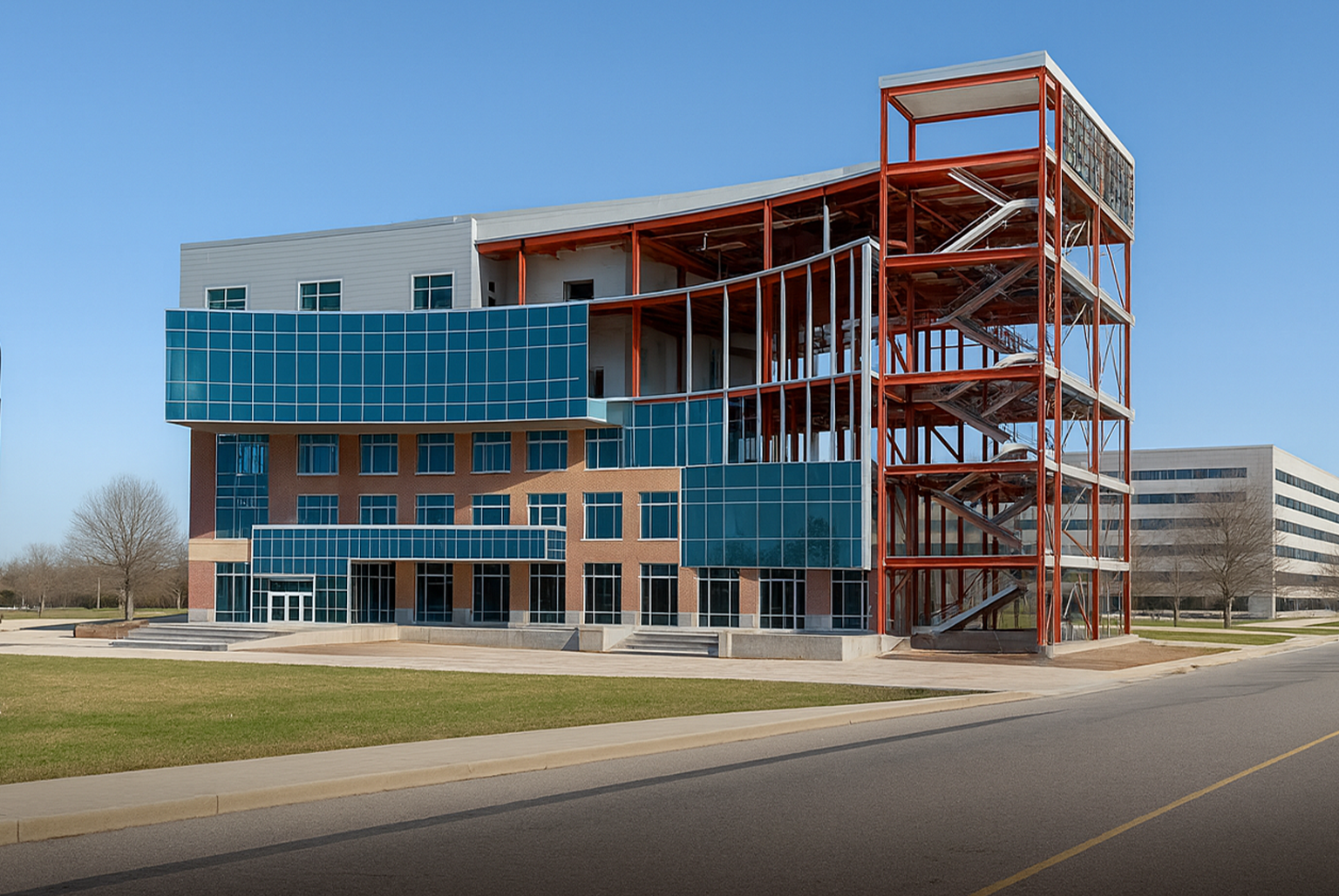

For years, buildings were designed with CAD (Computer-Aided Design). CAD is good for 2D drawings and 3D views, but it only shows shapes and geometry — not how a building will function.
The challenge with CAD:
Errors, cost estimates, and planning done outside the model
Extra steps and back-and-forth between teams
Higher risk of delays, rework, and cost overruns
BIM (Building Information Modeling) goes further with a smart 3D model that includes real data — materials, costs, schedules, and performance.
With everyone working on the same model, BIM:
Improves coordination
Detects problems early
Saves time and cost
Supports long-term building management
| Feature | CAD (2D/3D) | BIM | Why It Matters |
|---|---|---|---|
| Output | 2D drawings / basic 3D | Intelligent 3D models with data | Helps all teams visualize clearly and catch issues early — less guesswork on site. |
| Data Integration | No | Yes (materials, quantities, specs, cost) | Enables better cost control, procurement, and approvals — right from the model. |
| Clash Detection | Manual or post-construction issues | Automated clash detection during design | Avoids costly rework and delays by resolving problems before construction begins. |
| Collaboration | Static, file-based | Real-time, multi-disciplinary | Ensures everyone is working on the latest version — saves time and confusion. |
| Change Management | Manual update required | Automatic update across views | Reduces human error — updates in one place reflect everywhere instantly. |
| Quantity Takeoff | Manual, prone to error | Accurate, auto-generated | Speeds up estimation, improves accuracy, and avoids budget surprises. |
| Workflow Intelligence | None | Includes scheduling (4D), cost (5D), and beyond | Enables better planning, time savings, and proactive decision-making. |
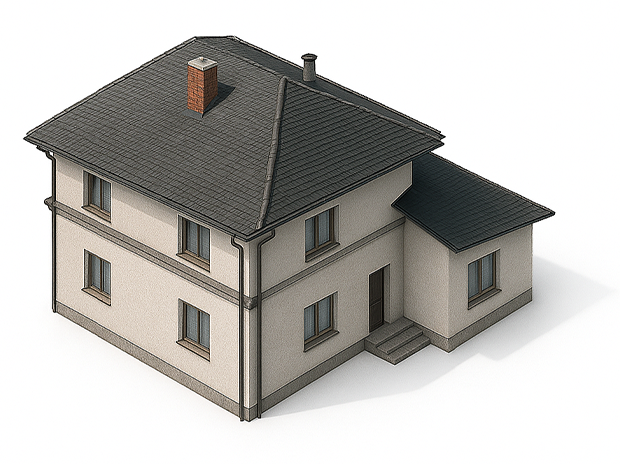
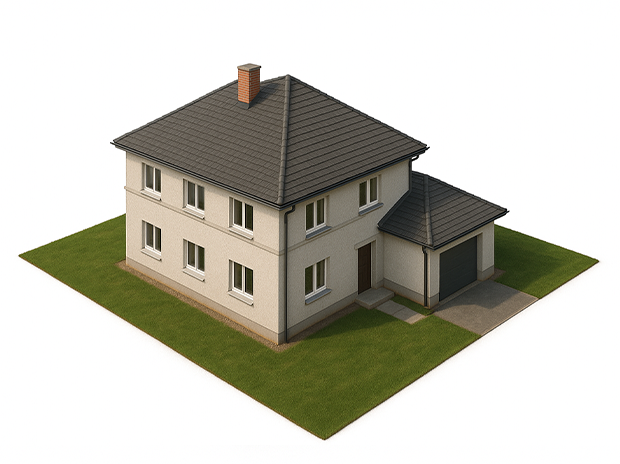
Level of Development (LOD) in BIM explains how detailed and accurate a model is at different stages of a project. It begins with very simple shapes in the early concept stage (LOD 100), becomes more defined with approximate sizes and locations (LOD 200), and develops into accurate design models with precise geometry (LOD 300). As the project progresses, the model can reach fabrication detail for contractors (LOD 400) and finally an as-built digital twin for facility management (LOD 500). In simple words, LOD shows how a BIM model grows step by step — from a rough idea to a complete digital building.
LOD is important because it sets clear expectations for everyone involved. Architects, engineers, contractors, and owners know exactly how much detail to expect at each stage, which avoids confusion and miscommunication. This step-by-step detail also makes planning smoother, reduces errors, and ensures the model is always useful — whether for early design studies, cost estimates, clash detection, construction, or long-term building maintenance.

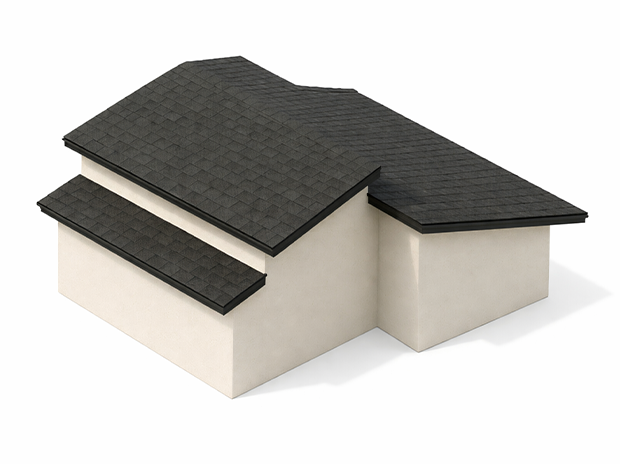
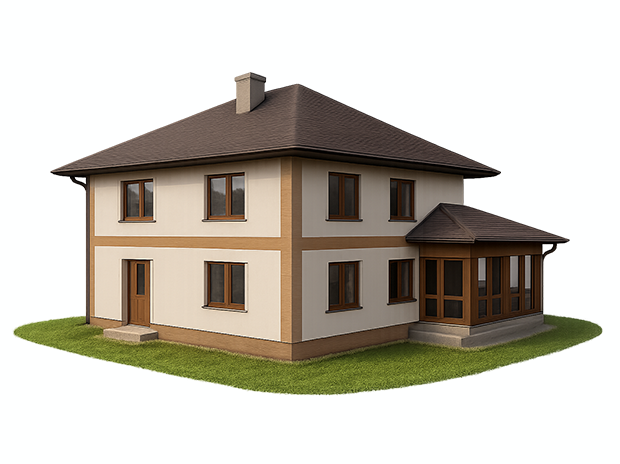
LOD 100 (Conceptual Design): Conceptual massing model showing overall form, scale, spatial intent, and early design direction for feasibility review.
LOD 200 (Schematic Design): Schematic model with approximate element sizes, locations, and preliminary system layouts to support early coordination and design decisions.
LOD 300 (Design Development): Dimensionally accurate model with defined materials, precise geometry, and fully coordinated architectural, structural, and MEP systems.
LOD 400 (Construction Documentation): Fabrication-ready model containing detailed specifications, installation requirements, and comprehensive shop-level construction data.
LOD 500 (As-Built): Final verified model capturing actual field conditions, installed components, and updated information for long-term facility management.

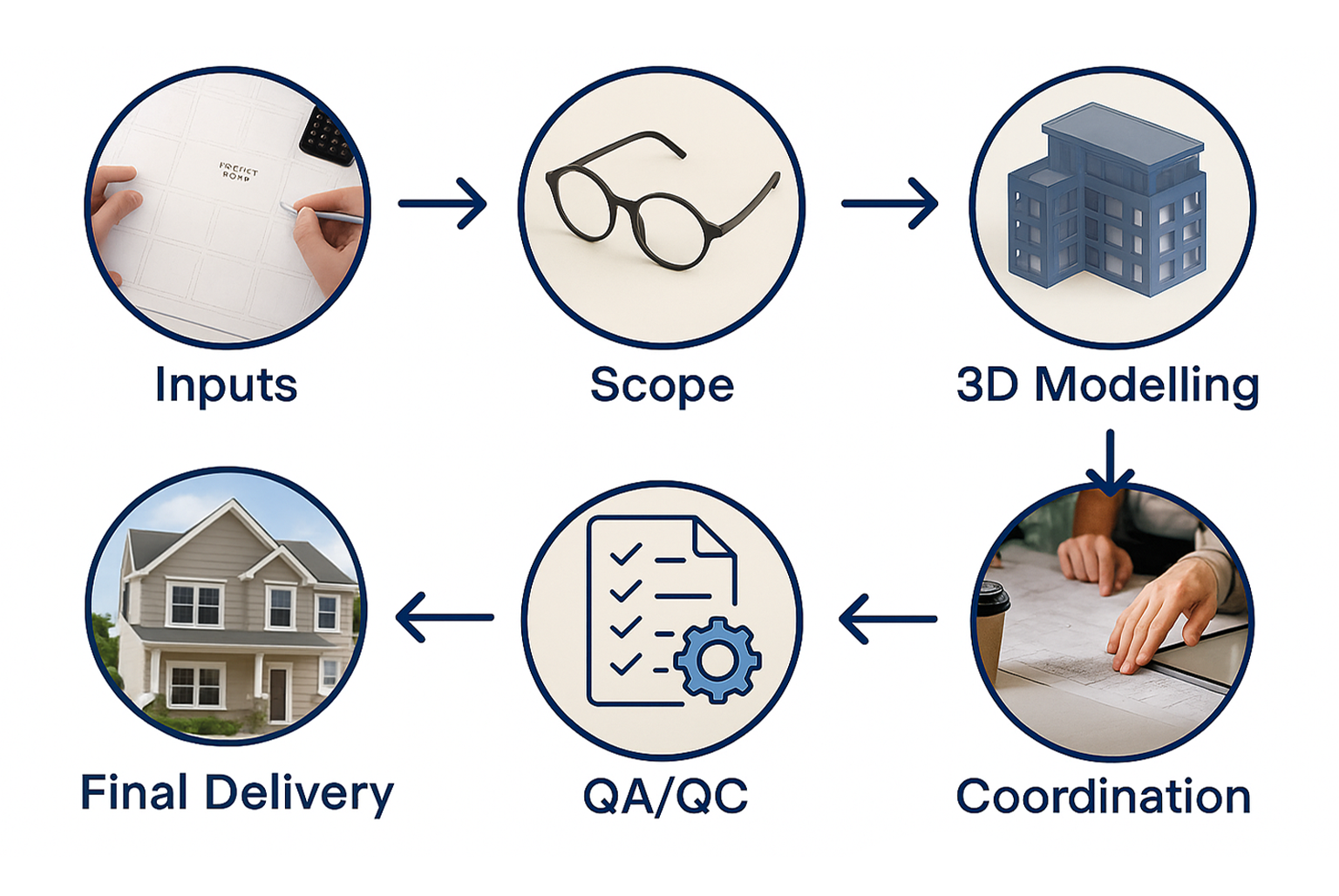
BIM aligns teams on one model for faster, error-free project delivery.
Inputs : Gather drawings, surveys, specifications, and project requirements to establish a precise, reliable, and fully informed base model.
Scope : Define boundaries, LOD expectations, workflows, and deliverables so all stakeholders remain aligned, coordinated, and fully accountable.
3D Modeling :Build an integrated, data-rich, highly accurate model combining architecture, structure, and MEP systems for seamless downstream use.
Coordination : Collaborate in real time to detect clashes early, resolve issues proactively, and maintain smooth interdisciplinary coordination.
QA/QC : Run systematic, multi-stage quality checks to ensure accuracy, compliance, constructability, and adherence to project standards.
Final Delivery : Provide a coordinated, clash-free, fully validated model ready for construction, facilities management, and long-term operations.
BIM (Building Information Modeling) uses intelligent 3D models of architectural, structural, and MEP systems to manage the entire building lifecycle. It improves planning, detects clashes early, enhances coordination, reduces costs, and provides accurate quantities and documentation for efficient delivery.
Architecture BIM – Creates precise 3D models with coordinated plans, elevations, and sections for design validation, visualization, and smooth multidisciplinary workflows.
Structure BIM – Produces detailed models of foundations, beams, slabs, columns, and reinforcements to ensure structural accuracy, safety, and efficient sequencing.
MEP BIM – Designs and coordinates HVAC, electrical, plumbing, and fire systems with high precision for conflict-free integration and reliable site execution.
Scan-to-BIM – Converts point-cloud and laser-scan data into accurate as-built models for renovations, retrofits, facility documentation, and heritage preservation.

| Architectural BIM | Structural BIM | MEP BIM | Scan-to-BIM |
|---|---|---|---|
| Develops intelligent 3D design models that includes precise plans, elevations, and sections. | Builds the full structural framework including foundations, columns, beams, slabs, and reinforcements. | Covers HVAC, electrical, fire protection, plumbing, and detailed layouts. | Converts laser scans and point cloud data into accurate BIM models for as-built conditions. |
| Enables seamless coordination across disciplines with accurate space utilization, and compliance with codes. | Provides structural integrity analysis ensuring clash-free detailing and coordination with all disciplines. | Ensures seamless integration with architectural and structural elements, reducing clashes onsite. | Perfect for renovation work, heritage projects, and projects where existing as-detailed drawings. |
| Enhances visualization for stakeholders and owners, enabling faster decision-making. | Reduces accurate material quantities, optimized cost estimation and procurement. | Optimizes energy efficiency, reduces operational costs, and enhances installation quality. | Reduces survey errors, saves time, and ensures accuracy for brownfield and environmental for future projects. |

“They saved us $320k by detecting clashes we missed. Our project stayed on budget and ahead of schedule.”
“The 5-Point Audit opened our eyes to inefficiencies costing 12% of staff hours. Fixed in weeks.”
“We avoided $450k in rework costs on a hospital project. Their clash detection was a game-changer.”
“Their audit showed us errors that would have delayed delivery by 3 months. We finished 27% faster instead.”
“We reduced our MEP coordination issues by 40%. That alone saved us $180k on a single project.”
“Our bidding accuracy improved overnight. We now win projects with 20% tighter estimates—with zero margin surprises.”
“The BIM model caught 38 clashes in our structural design. That saved weeks of onsite chaos and $220k+ in labor costs.”
“They helped us save just $55k on a small residential project. But for us, that covered nearly our entire profit margin.”
“Before, we spent months fixing mistakes onsite. With their workflows, we reduced field errors by 60% and saved $500k.”
Receive a free 1-page project blueprint highlighting coordination risks, approval gaps, and schedule
threats
so delays, rework, and cost overruns are prevented from day one.